Getting the HTML report out of the Docker image we run the suite in
Example threads. These questions and answers were written by the SDODS team to document real problems and how to fix them. The people named are illustrative, not real users. Questions asked on this site are marked new.
We run the suite inside ghcr.io/yarlisaisolutions/sdods-server on a self-hosted agent. The run works and the exit code is right, then the container goes away and takes the report with it.
Right now somebody runs docker cp afterwards, which fails silently when the container has already exited, so half our builds have no report and nobody notices until they need one.
What is the least fragile way to get html-report/ and the dashboard back onto the agent?
Point the artifacts root at a mounted volume before the run instead of copying afterwards. SDODS_ARTIFACTS_DIR is read by run and by report, and any CLI command works as the image argument:
bash
mkdir -p out
docker run --rm --platform linux/amd64 \
  -e SDODS_ARTIFACTS_DIR=/out/runs \
  -v "$PWD/out:/out" \
  ghcr.io/yarlisaisolutions/sdods-server run -p demo-shop -e staging -l ui -b chromium -t @smoke
Everything lands straight on the agent — run.json, summary.json, messages.ndjson, html-report/, dashboard/, runner-output/ — and there is nothing to copy when the container exits, so a failed run and a cancelled run both still leave you a report. sdods run --artifacts-dir /out/runs does the same per run if you would rather not use the environment variable.
Create out/ on the agent first and pass --user so the files come back owned by the agent user. Otherwise the archive step hits permission errors on a directory it can see perfectly well, which is a confusing ten minutes.
The published image is linux/amd64 only for now, hence the explicit --platform.
Second half of this, because it comes up about an hour later: the same volume is what makes ingest useful.
POST /api/runs/:id/ingest does take an artifacts.tgz and extract it, whatever the limitations page still says — but the part has to be named exactly that, and the extracted size is capped at four times SDODS_INGEST_MAX_MB. Get either wrong and the server ends up with totals and no images, which looks identical to the feature not existing.
With the volume mounted you have two working options: ingest from inside the run with --ingest if the container has database access, or ingest from the agent afterwards against the directory that is now sitting there.
Small thing that saves the wall screen once the files are out: the dashboard index.html is self-contained, so you can publish that one file per build and skip archiving the full HTML report for everyone who is not debugging.
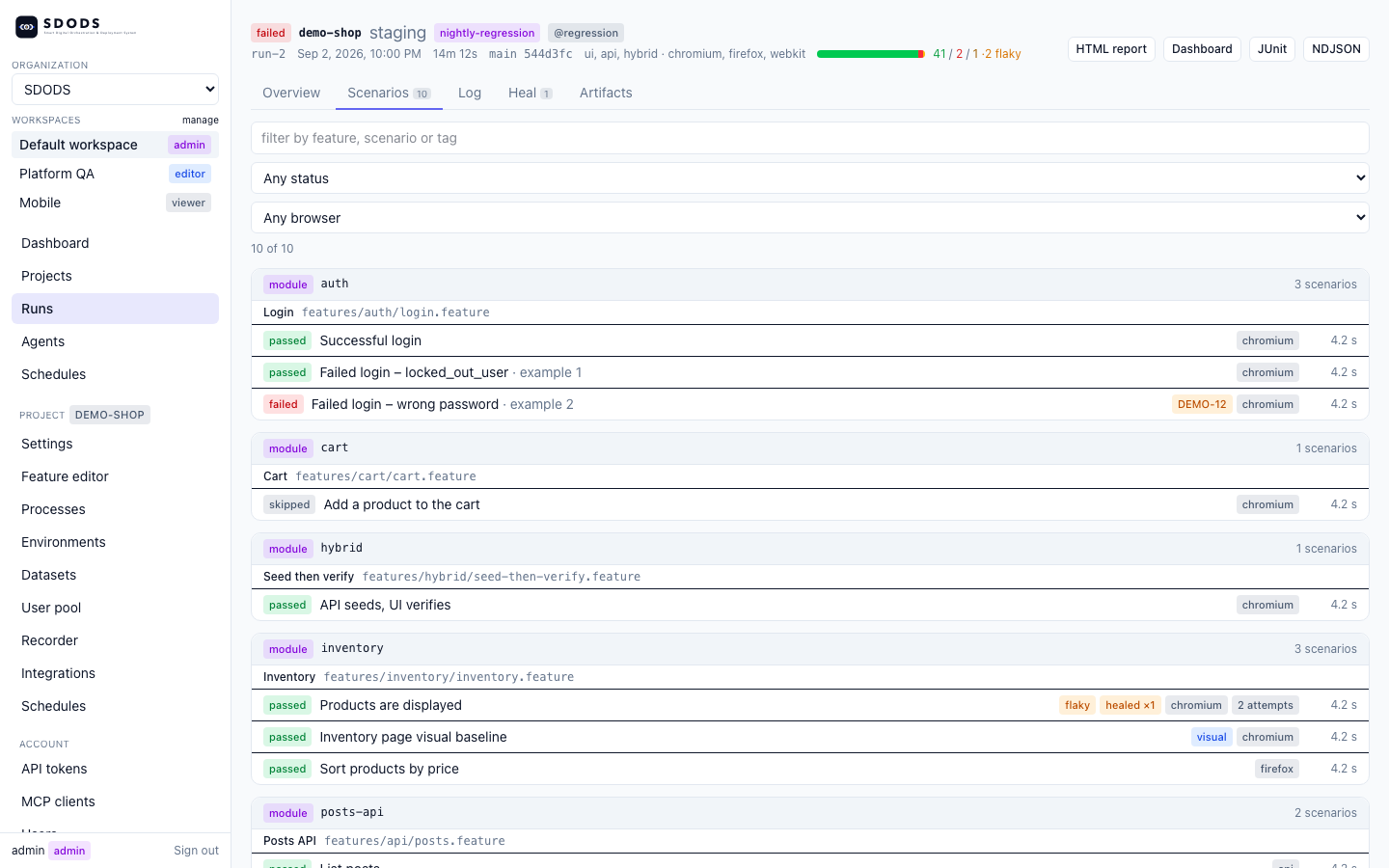
In practice almost nobody opens the HTML report anyway. They open the run detail page, which links to all of it:
The run detail page links to every report of the run